Introduction
Fracas is a Risk-like game written in VB6 and last published in 2002. The game is freeware, and was written by Jason Merlo. As the webserver that hosted the game has gone offline, I've created this page such that the game can continue to live on.
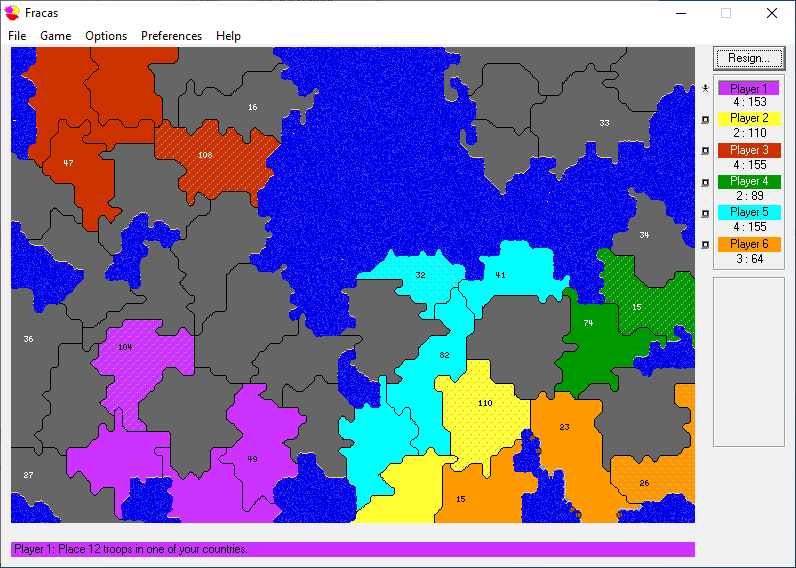
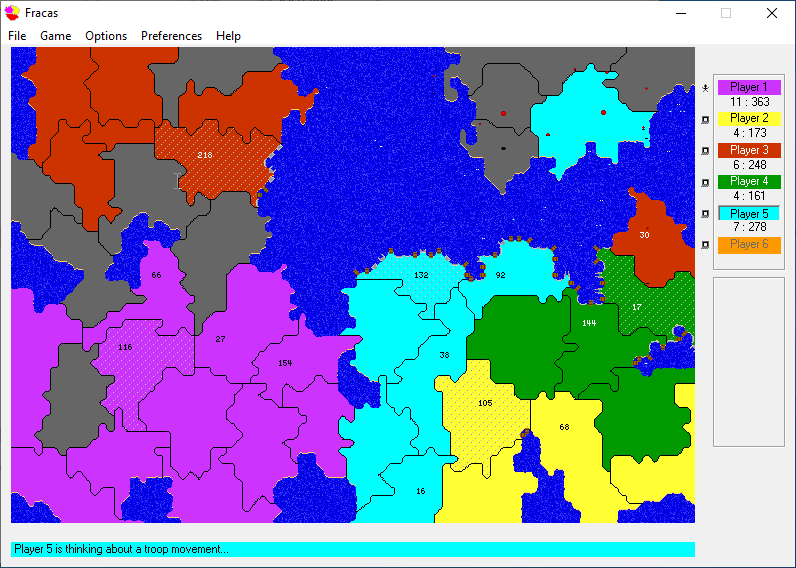
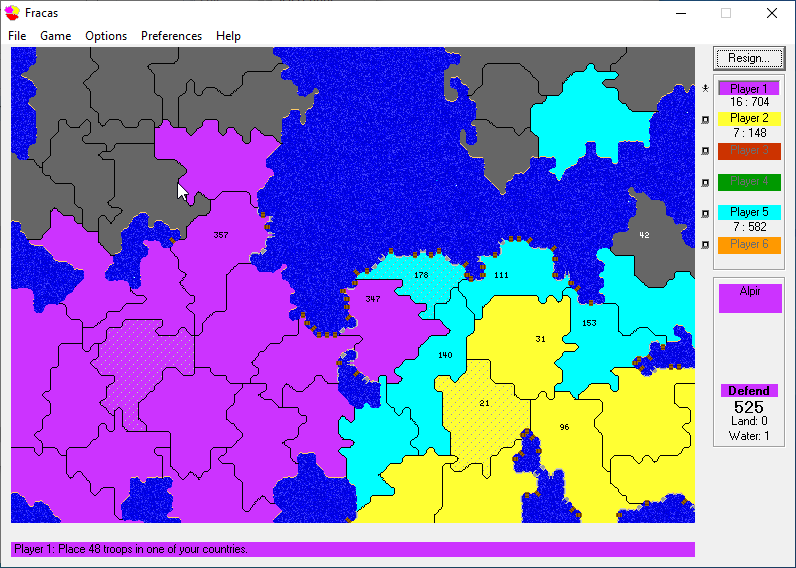
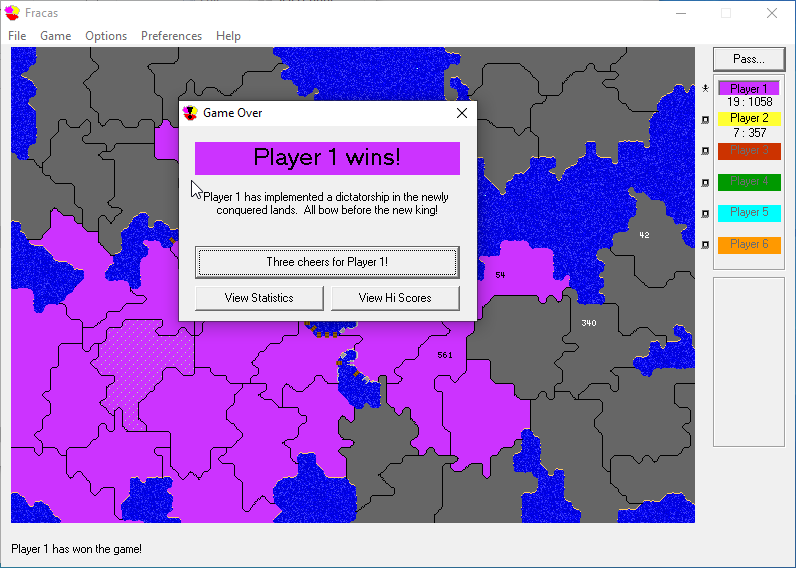
Look below for some screenshots of the game.
I recovered the game from the Internet Archive from this page: https://web.archive.org/web/20160310003608/http://smozzie.com/fracas.html
I was unable to use the installer to install the game in Windows 10. Despite my best efforts, tweaking troubleshooting settings, and running various compatibility layers, I could not get the game to run. So I launched my Linux virtual machine, installed the game using Wine, and developed this package of game files and instructions for running on Windows 10.
Windows 10 Installation Instructions
- You can download the package (5.4 MB .zip) of files and extract to your hard drive.
- Register the DLL/OCX file. (Most files are detected fine when placed in the same folder as the executable, but one needs to be registered with Windows)
- Copy Mscomctl.ocx, MSFLXGRD.OCX, MSWINSCK.OCX to C:\Windows\SysWOW64 (Or wherever your Windows is installed - you can actually do this from your installation directory if you like, no need to copy but moving them to the Windows folder should enable them to work with other applications more easily)
- Open Command Prompt as administrator
- Click the start menu
- Type cmd
- Right click command prompt option in the start menu and select "Run as Administrator"
- Change to where you placed the OCX files (ex: C:\Windows\SysWOW64) and type:
- regsvr32 Mscomctl.ocx
- regsvr32 MSFLXGRD.OCX
- regsvr32 MSWINSCK.OCX
- If you receive an error with any of these, you are likely not running as administrator, or not running from the correct directory
- Return to your file directory and run Fracas.exe to play
- Also included is the map editor. Run Genesis.exe to launch it.
Help File
The help file in the application is stored in a .hlp file, which does not work on Windows 8, or 10. Using an online converter, I converted it to a HTML file and a RTF file. You can find it in the Help-File folder. I've left the original .hlp file in the package as well.
Screenshots